
Introduction
Students learning JavaScript through CodeHS often encounter programming exercises that help them understand graphics, functions, mouse events, and object positioning. One such exercise is known as the Leash assignment. Students searching for 9.7.4 Leash CodeHS answers generally want to understand how the program works, what code is needed, and how to fix common errors while completing the activity.
The Leash exercise introduces an interesting programming concept: creating a graphical ball connected to a line that follows the mouse pointer. Although the task may look simple, it teaches several important programming skills that students can use in more advanced projects.
In this guide, we will explain the purpose of the assignment, discuss the JavaScript concepts involved, provide an example solution, and explore common mistakes. Whether you are new to CodeHS or already familiar with JavaScript Graphics, this article will help you understand the exercise more clearly.
What Is 9.7.4 Leash CodeHS?
The 9.7.4 Leash exercise is associated with JavaScript Graphics programming in the CodeHS learning environment. Its main purpose is to help students understand how graphical objects respond to mouse movement.
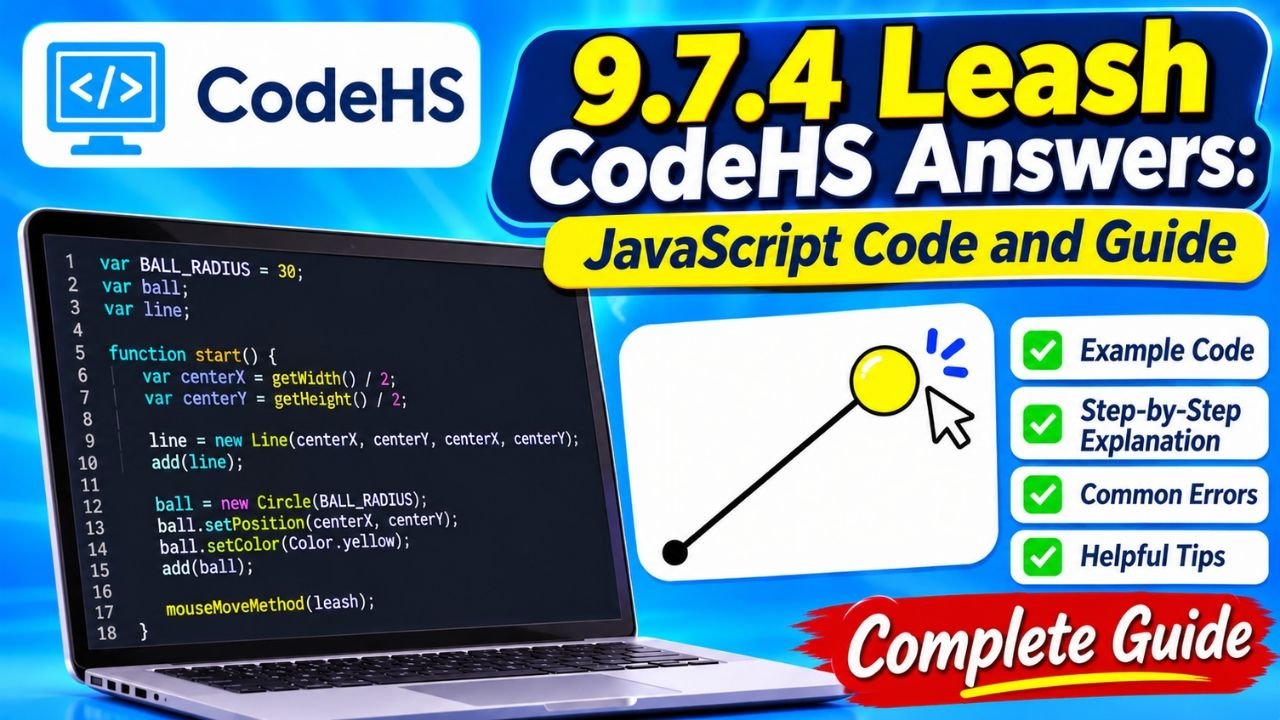
The basic idea is to create a ball and connect it to a fixed point using a line. When a user moves the mouse across the canvas, the ball follows the pointer while the line adjusts its endpoint.
This creates an effect similar to a real leash attached to a moving object.
The assignment introduces students to several fundamental programming concepts, including:
- Creating circles and lines.
- Positioning objects on a graphics canvas.
- Using JavaScript functions.
- Detecting mouse movement.
- Updating graphical objects dynamically.
- Working with coordinates.
Understanding these concepts is useful because similar techniques appear in interactive games, animations, simulations, and other graphical applications.
Understanding the Main Objective of the Leash Assignment
Before writing code, students should understand what the program is expected to accomplish.
The Leash assignment focuses on creating a relationship between two graphical objects. One object represents a ball, while the second object represents the leash connecting the ball to a fixed location.
When the program starts, the ball and line appear on the canvas. As the mouse moves, the ball changes position. The line also updates to remain connected to the moving ball.
The most important requirements of the commonly described exercise include:
- Creating a circle to represent the ball.
- Creating a line to represent the leash.
- Positioning the objects appropriately.
- Detecting mouse movement.
- Updating the ball’s position.
- Updating the line’s endpoint.
The objective is not simply to draw two shapes. Students must understand how to make those shapes respond to user interaction.
9.7.4 Leash CodeHS Answers: Example JavaScript Code
One of the most common reasons students search for this assignment is to understand the JavaScript implementation.
The following example demonstrates the central logic of a basic Leash program.
var BALL_RADIUS = 30;var ball;var line;function start() { var centerX = getWidth() / 2; var centerY = getHeight() / 2; line = new Line(centerX, centerY, centerX, centerY); add(line); ball = new Circle(BALL_RADIUS); ball.setPosition(centerX, centerY); ball.setColor(Color.yellow); add(ball); mouseMoveMethod(leash);}function leash(e) { ball.setPosition(e.getX(), e.getY()); line.setEndpoint(e.getX(), e.getY());}
This example demonstrates how a circle and line can work together. The ball follows the mouse pointer, and the line connects the ball to its original fixed point.
Important: This is an illustrative reference implementation, not a guaranteed answer for every version of the CodeHS assignment. Check your lesson instructions for exact object names, colors, dimensions, and other requirements.
How Does the JavaScript Code Work?
Understanding the code is more useful than copying it without knowing what each statement does.
Let’s examine the important parts.
Creating Variables
var BALL_RADIUS = 30;var ball;var line;
The first statement defines the ball’s radius. The other two variables store references to the graphical objects.
These variables are declared outside the functions so that both the start() function and the mouse event function can access them.
This is important because the ball and line must be updated after the program begins.
Finding the Canvas Center
var centerX = getWidth() / 2;var centerY = getHeight() / 2;
The getWidth() method returns the width of the graphics canvas, while getHeight() returns its height.
Dividing each value by two calculates the center coordinates.
These coordinates provide a convenient starting position for the ball and leash.
Creating the Line
line = new Line(centerX, centerY, centerX, centerY);add(line);
The Line() constructor creates a line using two coordinate pairs.
The first pair represents the starting point, and the second pair represents the endpoint.
Initially, both points are identical, so the line has no visible length. When the mouse moves, its endpoint changes.
The add() method places the line on the graphics canvas.
Creating the Ball
ball = new Circle(BALL_RADIUS);ball.setPosition(centerX, centerY);ball.setColor(Color.yellow);add(ball);
The Circle() constructor creates the ball using the specified radius.
The setPosition() method determines where the circle appears on the canvas. The setColor() method changes its appearance.
Finally, add(ball) displays the circle.
Detecting Mouse Movement
mouseMoveMethod(leash);
This statement registers a mouse movement event handler.
Whenever the user moves the mouse, CodeHS calls the leash() function.
This is the part that makes the assignment interactive.
Updating the Ball and Line
function leash(e) { ball.setPosition(e.getX(), e.getY()); line.setEndpoint(e.getX(), e.getY());}
The mouse event provides information about the current pointer location.
The getX() method returns the horizontal coordinate, while getY() returns the vertical coordinate.
The ball moves to those coordinates, and the line’s endpoint is updated to match.
As a result, the line remains connected to the ball while the user moves the mouse.
Important JavaScript Concepts Used in the Exercise
The Leash assignment teaches several programming concepts that are important for beginners.
Functions
Functions are reusable blocks of code that perform particular tasks.
In this assignment, the start() function initializes the graphical objects, while the leash() function updates their positions.
Separating these responsibilities makes the program easier to understand and maintain.
Variables
Variables store information that the program needs to use later.
The ball and line variables allow the program to access the graphical objects after they have been created.
Without these references, updating the objects during mouse movement would be more difficult.
Event Handling
Event handling allows a program to respond to actions performed by a user.
The mouseMoveMethod() function registers an event handler that responds whenever the pointer moves.
This concept is widely used in interactive websites, browser applications, and computer games.
Coordinates
Graphics programming uses X and Y coordinates to determine where objects appear.
The X coordinate controls horizontal positioning, while the Y coordinate controls vertical positioning.
Learning how coordinates work helps students create more advanced graphical projects.
Common Mistakes in the 9.7.4 Leash CodeHS Assignment
Students sometimes encounter errors when completing the exercise. Most problems come from incorrect object references, missing functions, or misunderstandings about mouse coordinates.
Here are some common issues and their possible solutions.
The Ball Does Not Move
If the ball remains in its original position, check whether the mouse event handler has been registered correctly.
Make sure that mouseMoveMethod(leash) appears inside the initialization function.
Also check that the leash() function is defined correctly.
The Line Does Not Follow the Ball
If the ball moves but the line remains unchanged, the endpoint may not be updating.
Check the use of line.setEndpoint() and make sure it receives the current mouse coordinates.
The Ball Is Not Visible
A circle may be created correctly but still fail to appear if it has not been added to the canvas.
Check that the program includes add(ball) after creating the circle.
You should also verify that the circle’s position and color are appropriate.
Variables Are Undefined
Another common problem involves declaring variables inside the wrong function.
If the mouse event function cannot access the ball or line, make sure their declarations are outside the start() function.
The Line Moves Incorrectly
The line should maintain its original starting point while its endpoint changes.
Using an operation that moves both endpoints may produce unexpected results.
Understanding the difference between a line’s starting point and endpoint is essential for completing this exercise.
Why Is the Leash Exercise Important for Beginners?
The Leash exercise may seem like a small activity, but it introduces skills that are useful in many areas of software development.
First, it teaches students how to connect user input with graphical changes. This is an important part of creating interactive applications.
Second, it introduces object positioning. Students learn that graphical objects can be updated after they have been added to the canvas.
Third, the assignment provides practical experience with functions and variables. These concepts form the foundation of almost every programming language.
Finally, the exercise encourages problem-solving. Students must understand how different programming statements work together to produce the expected result.
These skills become increasingly important when students move on to animations, interactive games, and more complicated JavaScript projects.
Tips for Successfully Completing CodeHS Graphics Exercises
Students can improve their programming experience by following a few simple practices.
Read the instructions carefully: Always understand what the assignment requires before writing code.
Use meaningful variable names: Names such as ball and line make programs easier to understand.
Test one part at a time: Create the graphical objects first, then add the mouse movement functionality.
Check the console for errors: JavaScript error messages can help identify missing variables or incorrect method names.
Understand the methods: Learn what setPosition(), setEndpoint(), and mouseMoveMethod() do instead of relying entirely on memorized code.
Compare your output with the assignment requirements: A program that runs successfully may still fail an autograder if it does not meet the exact instructions.
Following these practices can make CodeHS assignments easier to complete and help students develop stronger programming skills.
Difference Between 9.7.4 Leash and Other CodeHS Leash Exercises
Students may encounter similar Leash exercises with different numbers in CodeHS courses.
For example, some online discussions mention an older or differently numbered 4.7.4 Leash activity.
Exercise numbering can depend on the course structure and curriculum version.
Although two assignments may have similar names, their requirements may not be identical. One version might use different object dimensions, colors, function names, or event-handling instructions.
Students should always check the actual lesson description and course version before using an online example.
The assignment number alone is not enough to establish that two exercises require the same code.
Frequently Asked Questions About 9.7.4 Leash CodeHS Answers
What is 9.7.4 Leash in CodeHS?
It is an exercise commonly associated with JavaScript Graphics programming. It teaches students to create a ball connected to a line that responds to mouse movement.
What programming language is used in the Leash assignment?
The commonly described version uses JavaScript with the CodeHS Graphics library.
What does mouseMoveMethod() do?
It registers a function that executes when the mouse moves across the graphics canvas.
Why are the ball and line variables declared outside the start() function?
Declaring them outside the function allows other functions to access and update the same graphical objects.
What is the purpose of setEndpoint()?
The setEndpoint() method changes the ending coordinates of a line while keeping its starting point unchanged.
Conclusion
The 9.7.4 Leash CodeHS Answers topic is a useful introduction to JavaScript Graphics and interactive programming. The exercise helps students understand how to create graphical objects, position them using coordinates, and respond to mouse movements.
By working with circles, lines, variables, functions, and event handlers, beginners gain practical experience with important programming concepts. The example implementation shows how a ball can follow the mouse while a line stays connected to a fixed point.
However, understanding the logic is more valuable than simply copying a solution. Students should experiment with the code, test different positions, and learn how each JavaScript method contributes to the final result.
With regular practice and careful attention to assignment instructions, students can develop the confidence needed to complete the Leash activity and move on to more advanced CodeHS programming challenges.
You May Also Read: TechNewsOutlets.com USA: A Complete Guide to the Technology News Directory
